Recruiting Email Templates: Boost Your Hiring Game
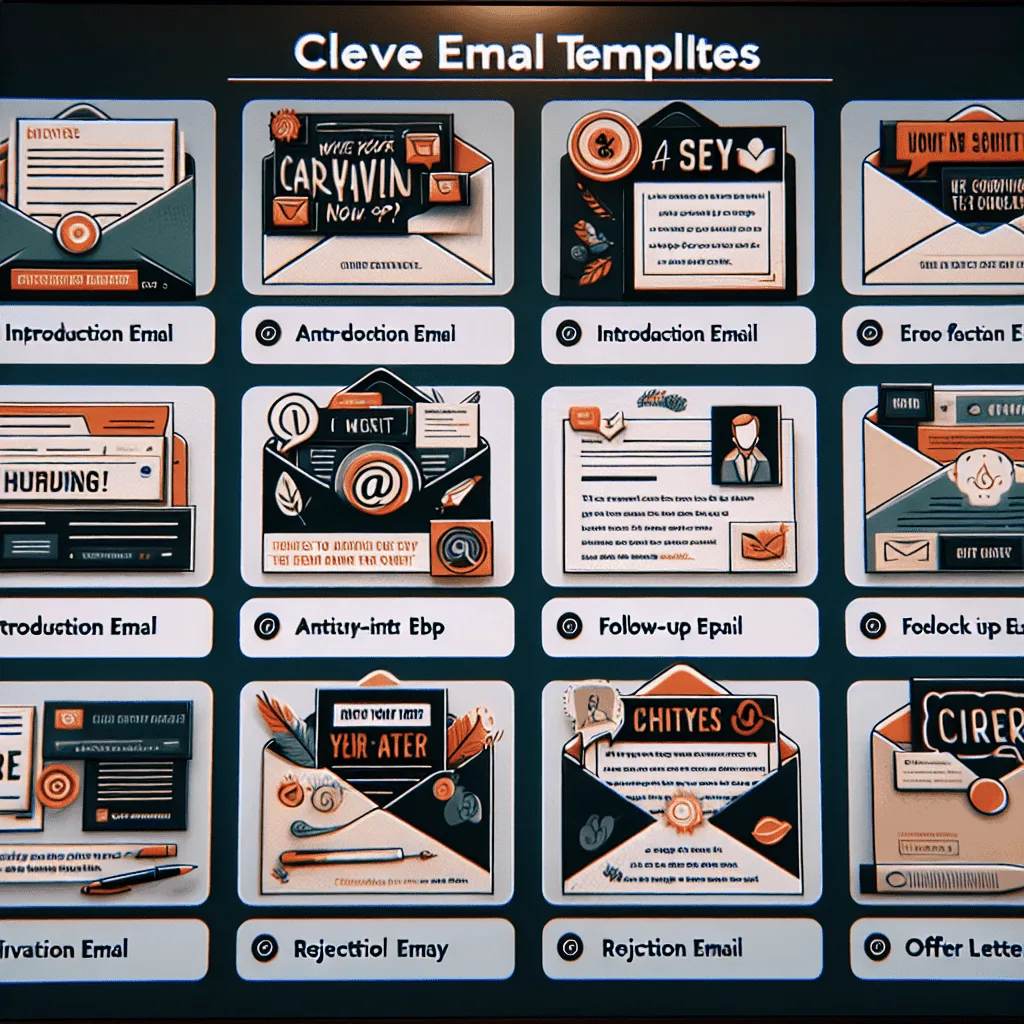
Recruiting email templates streamline the hiring process and enhance communication with candidates. They ensure consistent messaging and save time for HR professionals.
Crafting effective recruiting emails is crucial for any organization looking to attract top talent. An engaging and well-structured email can make a significant difference in a candidate’s perception of your company and their interest in a job opportunity. It sets the tone for your company’s professionalism and can influence a candidate’s decision to engage with the hiring process.
With the right template, you can convey your company culture, the role’s expectations, and the value your organization offers. A well-rounded introduction to recruiting email templates not only simplifies the task for recruiters but also elevates the candidate experience, potentially increasing the likelihood of attracting the best candidates for the job.
Introduction To Recruiting Email Templates
The hiring landscape is buzzing with competition. Recruiting email templates are the secret weapon for savvy hiring teams. They streamline communication and inject efficiency into the recruitment process. Whether reaching out to potential candidates or following up after an interview, templates save time and maintain a consistent brand voice.
Why Use Email Templates In Recruitment?
Email templates serve several key purposes in the world of recruitment:
- Consistency: They ensure uniformity in communication.
- Speed: Templates allow for quick responses, keeping candidates engaged.
- Branding: They reinforce your company’s image and values.
- Personalization: Templates can be customized, making each email feel personal.
Impact On Hiring Efficiency
Adopting email templates has a profound effect on hiring efficiency. Recruiters can focus on connecting with candidates rather than crafting emails.
| Without Templates | With Templates |
|---|---|
| More time writing emails | Quick email dispatch |
| Inconsistent messaging | Unified brand voice |
| Delayed responses | Timely follow-ups |
Crafting Your First Contact Email
When reaching out to potential candidates, the first email sets the tone for your interaction. Your initial contact email can make or break the recruitment process. It’s crucial to capture the recipient’s interest and provide a clear, concise message about the opportunity at hand. Let’s dive into creating an email that stands out.
Components Of An Effective Introduction
An impactful first contact email should contain several key elements:
- A personalized greeting to show you’ve done your homework about the recipient.
- A brief introduction of yourself and your organization.
- Clear explanation of why you’re reaching out, specifically to them.
- A summary of the job role that is both enticing and informative.
- Call-to-action that invites a response or further discussion.
Sample Template For Initial Contact
Below is a straightforward template to help structure your first contact email:
| Subject Line: | Exciting Opportunity for [Job Title] at [Your Company Name] |
|
My name is [Your Name], and I work with [Your Company]. We specialize in [Brief Company Overview]. I came across your profile on [Where You Found Them], and I was impressed by your experience in [Relevant Experience]. We have a [Job Title] opening that I believe aligns perfectly with your skills, particularly your experience with [Specific Skill or Project]. This role involves [Brief Role Description], offering a chance to [What They Will Accomplish in Role]. Are you open to discussing how your talents could thrive at [Your Company Name]? I’d love to schedule a call to share more details and learn about your professional aspirations. Looking forward to your response. |
|
Remember to tailor each email to the candidate you’re contacting. Personalization is key to making a strong first impression.
Follow-up Emails That Get Responses
Follow-Up Emails That Get Responses play a crucial role in effective recruiting strategies. These emails keep the conversation going and show your continued interest in a candidate. Crafting the right follow-up can significantly increase your response rate, making it essential to get the timing and content right.
Timing Your Follow-up
Choosing the perfect moment to send a follow-up email is key. Here are some best practices:
- Wait at least 48 hours after the initial contact.
- Avoid weekends and holidays for better visibility.
- Follow up within a week if there’s no response to your first email.
Timing matters as it shows respect for the candidate’s time while keeping your position top of mind.
Sample Follow-up Email Template
Here is a simple, yet effective template for a follow-up email:
  Subject: Opportunity at [Company Name] – Follow-Up

  Hi [Candidate's Name],

  I hope this message finds you well! Last week, we discussed [Position Name] at [Company Name]. I am reaching out to see if you have any questions.

  I would love to hear more about your thoughts on joining our team.

  Looking forward to your response.

  Best regards,

  [Your Name]

  [Your Position]

  [Company Contact Information]
This template is direct and shows that you value the candidate’s decision process. Personalize each email to reflect the conversation you had with the candidate.
Interview Invitation Emails
An Interview Invitation Email marks a significant step in the hiring process. It signals a candidate has sparked an employer’s interest. Crafting a clear and professional invitation is key. It sets the tone for a potential future working relationship.
Key Information to IncludeKey Information To Include
To create an effective interview invitation, certain details are essential. This ensures candidates have all they need to prepare and respond.
- Job Position: Clearly state the role in question.
- Interview Type: Specify if it’s in-person, phone, or video.
- Date and Time: Provide options or a fixed appointment.
- Location: Include an address or a link to a virtual meeting platform.
- Interview Duration: Let candidates plan their schedules.
- Contact Information: Offer a point of contact for queries.
- Additional Requirements: Mention if documents or prep work are needed.
Sample Interview Invitation Template
Below is a sample template for an interview invitation email. It includes all the key information to guide candidates effectively.
    Subject: Invitation to Interview for the [Job Title] Position at [Company Name]

    Dear [Candidate's Name],

    We were impressed with your application for the [Job Title] role. We would like to invite you to an interview at our office. Here are the details:

    Type: [In-person/Phone/Video]
    Date: [Provide a few options or a specific date]
    Time: [Include time slots]
    Duration: [Mention the expected length of the interview]
    Location: [Office address or virtual meeting link]
    Contact: [Interviewer's name], [Position], [Email], [Phone]

    Please bring a copy of your resume and any other required documents. Let us know your preferred time and date. If you have any questions, feel free to reach out.

    We look forward to meeting you.

    Best regards,

    [Your Name]
    [Your Position]
    [Company Name]
Use this template as a starting point. Tailor it to fit your company’s voice and the candidate’s profile. A personalized touch can make a significant impact.
Rejection Emails With Tact
Rejection Emails with Tact play a critical role in maintaining a company’s professionalism. Crafting a rejection email requires a balance of clarity and kindness. It can shape a candidate’s view of your organization. A well-written rejection email leaves the candidate with respect for your company. It also keeps the door open for future opportunities.
Delivering Bad News Respectfully
Delivering bad news is never easy. Your goal is to convey the message with honesty and compassion. Remember, candidates invest time and energy in the application process. Respect that effort with a thoughtful response. Use a tone that is professional yet empathetic. Acknowledge the candidate’s qualifications and thank them for their interest in the role. Always end on a positive note, encouraging them to apply for future positions that match their skills.
Sample Rejection Email Template
Below is a template to help you write a rejection email. Personalize each message to reflect the individual’s application. Ensure it reflects your company’s voice and values.
| Email Subject | Your Application to [Company Name] |
|---|---|
| Greeting | Dear [Candidate’s Name], |
| Opening Line | Thank you for taking the time to apply for [Job Title] with [Company Name]. |
| Rejection Statement | After careful consideration, we have decided not to move forward with your application. |
| Positive Note | We were impressed by your skills and accomplishments and encourage you to apply for future openings. |
| Closing | We wish you all the best in your job search and future professional endeavors. |
| Sign-Off | Sincerely, [Your Name] [Your Job Title] [Company Name] |
Offer Letters That Excite
An offer letter represents the final gate before onboarding a potential superstar. Crafting an Offer Letter That Excites is crucial. It not only conveys the job details but also ignites enthusiasm in the candidate. A well-drafted offer letter can be the difference between a ‘yes’ and a ‘maybe’. Let’s ensure that candidates are eager to leap aboard.
Elements Of An Engaging Offer Letter
- Welcome Statement: A warm greeting that reflects the company culture.
- Job Title and Description: Clearly state the role’s official title and responsibilities.
- Compensation Package: Include salary, bonus structure, and other benefits.
- Start Date: Specify when the candidate is expected to begin.
- Work Arrangement: Outline whether the position is remote, in-office, or hybrid.
- Company Values: Share what makes your company unique.
- Next Steps: Provide clear instructions on how to accept the offer.
Sample Offer Letter Email Template
Here’s a template to get started:
| Subject: | Welcome to [Company Name] - Your Official Offer |
|
We are thrilled to extend this offer for the [Job Title] position at [Company Name]. We were impressed with your skills and experience and are excited about what you can bring to our team. What We Offer:
At [Company Name], we [insert company values or mission]. Please review the attached detailed offer letter. To accept, sign and return by [Deadline]. We can’t wait to welcome you aboard and see you thrive with us. |
|
Personalizing Mass Recruitment Emails
Personalizing Mass Recruitment Emails can transform your hiring strategy. It makes candidates feel valued. It increases the chance they will respond. Remember, each candidate is unique. So, your emails should be too.
Strategies For Personalization At Scale
Personalizing emails for many candidates can seem tough. But with the right approach, it is simple. Here are some strategies:
- Segment Your Audience: Group candidates by role, experience, or location. Tailor messages to each group.
- Use Dynamic Content: Insert personalized fields like name or job title. Emails will feel more personal.
- Reference Past Interactions: Mention any previous contact. It shows you remember them.
- Write in a Friendly Tone: Sound like a human, not a robot. Use conversational language.
Tools To Customize Bulk Emails
Many tools can help you send personalized emails at scale. Here are top picks:
| Tool Name | Features |
|---|---|
| Mail Merge | Integrates with spreadsheets to customize emails. |
| Email Marketing Software | Templates and automation to send tailored emails. |
| CRM Systems | Track interactions and personalize communication. |
Choose a tool that fits your company’s size and budget. Test different templates to see what works best.
Measuring The Success Of Your Email Campaigns
Measuring the success of your email campaigns is essential to understand how your recruiting messages perform. Tracking the right metrics helps fine-tune your approach, ensuring you reach the best candidates effectively.
Key Metrics To Track
Monitoring these metrics provides insights into your campaign’s performance:
- Open Rate: The percentage of recipients who open your email.
- Click-Through Rate (CTR): The ratio of users who click on a specific link to the number of total users who view the email.
- Conversion Rate: The percentage of recipients who completed a desired action, such as applying for a job.
- Bounce Rate: The rate of sent emails that could not be delivered to the recipient’s inbox.
- Unsubscribe Rate: The rate at which people opt-out of your email list.
Tools For Email Campaign Analytics
Select the right tools to track and improve your campaigns:
| Tool | Features |
|---|---|
| Google Analytics: | Tracks website activity from emails, measures conversions, and provides audience insights. |
| Mailchimp: | Offers detailed reports on open rates, CTR, and subscriber activity. |
| HubSpot: | Integrates email metrics with CRM data for comprehensive analysis. |
| Campaign Monitor: | Delivers visual reports and analytics for email campaigns. |
| Constant Contact: | Provides real-time tracking and reports to monitor email campaign success. |
Conclusion
Crafting the perfect recruiting email can be a game-changer in your hiring process. With the templates provided, you’re equipped to engage potential candidates effectively. Remember, personalization and clarity are key to standing out in an inbox. Start applying these templates and refine your approach to see a marked improvement in your recruitment outreach success.
Our Sample Article

Benefits of Meditation: Unlocking Peace and Productivity
Shahidujzaman Shahid · May 29, 2024
How to Choose a Probiotic: Your Essential Guide
Shahidujzaman Shahid · May 29, 2024
Why Does My Cat Keep Throwing Up? Uncover the Causes!
Shahidujzaman Shahid · May 29, 2024