How to Make an Amazon Affiliate Video That Gets Clicks
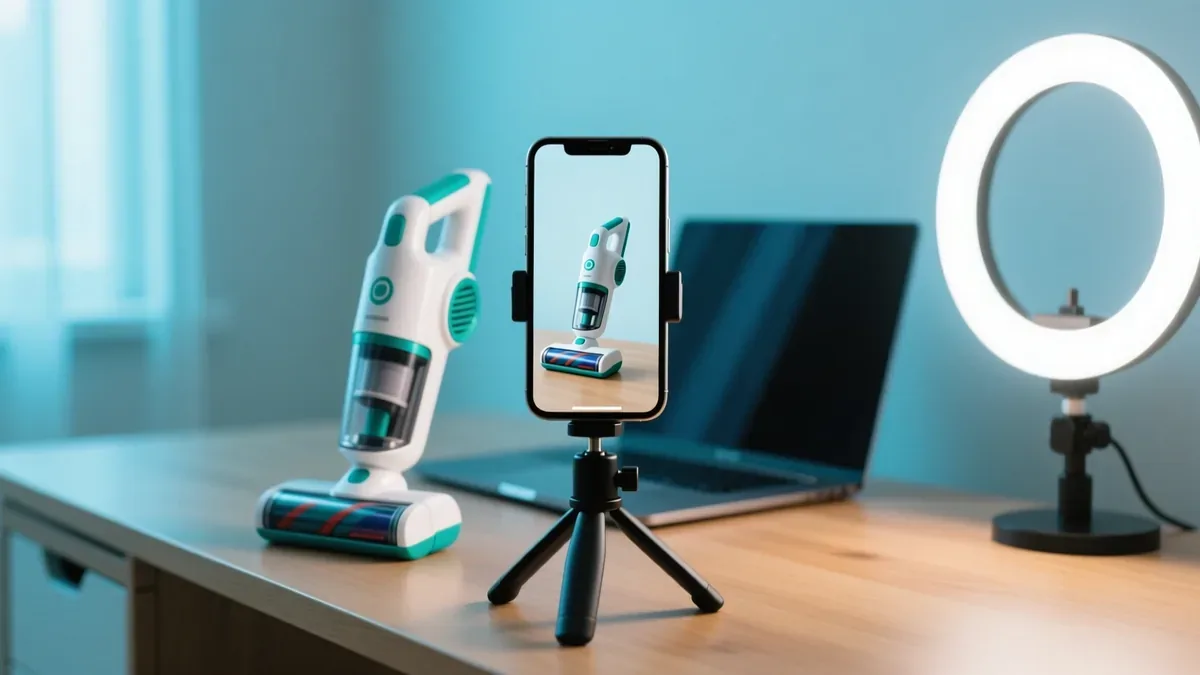
An Amazon affiliate video is a short clip that shows a product, says why it fits a certain buyer, and sends that buyer to Amazon through your link. Done well, it earns clicks from people who never read blog posts. Done badly, it gets swiped away in two seconds, or it breaks a disclosure rule you did not know about. This guide shows how to plan, script and post short product videos for YouTube Shorts, Instagram Reels and TikTok, and where an AI product video generator like Affpilot fits in.
Quick answer
To make an Amazon affiliate video that gets clicks, open with the buyer’s problem in the first two seconds, give each scene one benefit taken from the listing, name who should not buy it, and say and show your disclosure near the start. Make it tall (9:16) and 15 to 60 seconds long for Shorts, Reels and TikTok, and plan where the link lives, because links in Shorts descriptions cannot be clicked.
Key takeaways
- The first two seconds decide everything. Start with the problem, not with “Hi guys”.
- Never say a price. Prices change within days, and an uploaded video cannot be edited.
- The FTC wants the disclosure in the video itself, spoken and on screen, not only in the description.
- Links in YouTube Shorts descriptions are not clickable. Plan the path to the link before you film.
- Affpilot turns one to five Amazon products into a finished video, with an AI presenter or a voice only. One video costs one credit, for any length up to 2 minutes.
What an Amazon affiliate video has to do
A product video has one job: move a viewer one step closer to a good buying decision, and make your link the easy next step. It is a short piece of advice, not an advert. Viewers on short-video apps can smell an advert, and they swipe.
Think of every video in three parts. First, a reason to stay (the hook). Then a reason to care (the benefits that match the viewer’s problem). Then a reason to act (where the link is, and why it is safe to click). Miss one, and the video fails: no hook, nobody sees the benefits; no next step, the viewer buys from someone else.
A Shorts viewer, unlike a reader of a review article, was not looking for advice a moment ago. So the video must earn attention first, and only then inform. If you already write an Amazon review article for each product, that research is the raw material for the video.
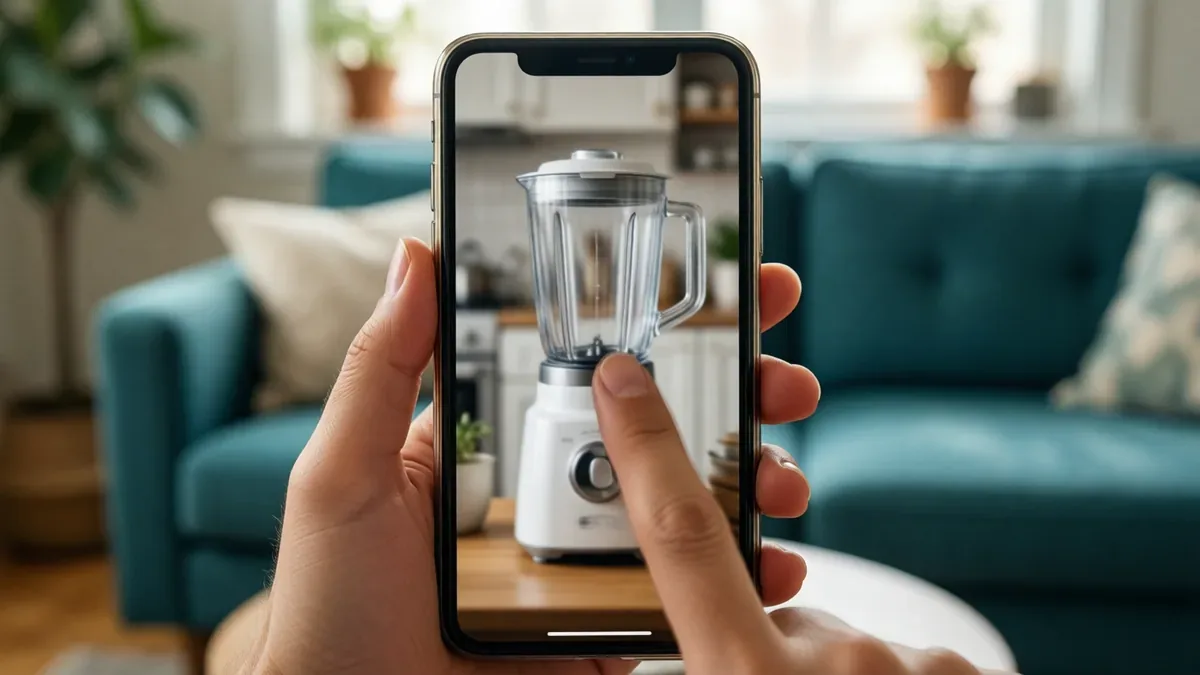
What makes a product video convert
The videos that earn clicks share five habits. Each one fixes a specific way videos lose people.
A hook in the first two seconds
The hook is the first sentence and the first picture together. It should name a problem the viewer already has, or a result they want. “Your small kitchen has no room for another gadget” works. “Today I am going to show you a product” does not.
Three hook shapes work for products again and again:
- The problem: “Tired of cords that never reach the corner?”
- The surprise: “This one folds flat enough to fit in a drawer.” (Only if the listing says so.)
- The choice: “Three picks for a tiny apartment, and which one to skip.”
One benefit per scene
Each scene, usually three to six seconds, should carry one idea. Turn the feature into a benefit: not “it has a washable filter”, but “you rinse the filter instead of buying new ones”. A viewer with the sound off should still get the point from the picture and the caption.
Honest cons
This is the habit most affiliates skip, and it is the one that builds trust fastest. Say who should not buy it: “If you need it for a large house, look at a bigger model.” One honest limit makes every benefit more believable.
Take cons only from real sources: the listing itself, the product’s size or weight, or patterns you read in the customer reviews. Never invent a flaw to look balanced, and never claim you used a product you did not use.
The disclosure, near the start
If you earn from the link, say so early, in plain words, both out loud and on screen. It costs about two seconds. The rules are below.
A clear next step
End with one action: “The link is in the description” on long videos, or “The link is on my profile” where descriptions are not clickable. One action, said once. Several calls to action in 30 seconds sound like pressure.
A good product video is advice with a link, not an advert with a voice.
How to write the script
A short video script is mostly about word count. Spoken English runs at roughly two to three words a second, so a 30-second video holds about 60 to 80 words, and that includes the disclosure. Write, count, then cut.
A 30-second single-product script
| Seconds | Beat | Example line (for a cordless handheld vacuum) |
|---|---|---|
| 0–2 | Hook | ”Crumbs on the sofa again?” |
| 2–4 | Disclosure | ”Quick note: I earn a commission from my links.” |
| 4–10 | Benefit 1 | ”This one runs without a cord, so it goes wherever the mess is.” |
| 10–16 | Benefit 2 | ”The listing says the filter is washable, so you rinse it instead of replacing it.” |
| 16–22 | Benefit 3 | ”It comes with a crevice tool for car seats and corners.” |
| 22–26 | Honest limit | ”For a whole house, pick a full-size vacuum instead.” |
| 26–30 | Next step + Amazon line | ”Links are in the description. As an Amazon Associate I earn from qualifying purchases.” |
Notice what is missing: no price, no “best ever”, no “I have used it for months”, and no number the listing does not contain.
A 60-second list script
A list video (“Top 3 for small kitchens”) needs a different shape. Give it a short intro hook, then one segment per product, then a short wrap-up. Give each product a label that says who it suits: “Best for tiny counters”, “Best for families”. The label lets each viewer find their own product in the list.
Decide the order on purpose. A countdown (number 3, then 2, then 1) keeps people watching to the end. Best first serves viewers who only want the answer, and it suits search more than feeds. Three products fit well in 60 seconds; five is the most you should ever squeeze in.
Tip
Read your script out loud with a timer before you produce anything. Cut adjectives first, then the weakest benefit.
Length, shape and specs for each platform
The table below comes from each platform’s own pages. The rules change often, so check again before a big batch.
| Platform | Shape | Length rule | Where the link can go | Good starting length |
|---|---|---|---|---|
| YouTube Shorts | Square or vertical | Up to 3 minutes counts as a Short (uploads from 15 Oct 2024). A Short over one minute with an active Content ID claim is blocked. | Not in the Short’s description or comments. Use the related video link, channel links, or a long video’s description. | 15–30 s for one product, 60 s for a list |
| Instagram Reels | Tall 9:16 is best; check the upload screen for other shapes | Can be up to 20 minutes, but reels over 3 minutes are not recommended to new audiences. | Your bio link | 15–30 s |
| TikTok | Vertical 9:16 recommended | Long uploads are allowed. The limit has changed several times, so check your upload screen. | Your bio link, where your account has one | 15–30 s |
| Any; tall works best on phones | Meta is moving all videos to reels, with no length or format limits. | The post text (test how it shows on your Page) | 30–60 s | |
| YouTube (long video) | Wide 16:9 | No short-video limit | Clickable links in the description | 1–2 minutes for a list |
Sources, checked on 4 October 2026: YouTube’s help page on three-minute YouTube Shorts, Instagram’s Reels feature page, TikTok’s ad video specs, and Meta’s June 2025 announcement about Facebook video. TikTok’s help pages do not give a clear current length limit, so check your own upload screen.
How to choose a length
Use the shortest length that fits your message. A single product with one clear use case: 15 seconds. A product that needs two or three benefits and a limit: 30 seconds. A list of three to five products: 60 seconds or more. A comparison for people close to buying: up to 2 minutes, wide, where links work.
On short-video apps, a short video watched to the end beats a long one abandoned halfway. But a viewer who is ready to buy wants detail. That is why the smart plan is two videos, not one.
Where the click happens on each platform
YouTube’s own help page on sharing links with your audiences says URLs in Shorts descriptions and comments are not clickable, to reduce spam. So “link in the description” on a Short is a dead end.
Here is a path that works:
- Make a tall Short about one product, or a quick top three.
- Make a wide video about the same products, with clickable links in its description.
- Connect the Short to the wide video with YouTube’s related video link, which is clickable.
- Put your most important link in your channel links as well.
The Short brings attention; the wide video turns it into clicks. Our guide on how to promote Amazon affiliate links on YouTube covers the channel side.
Eligible creators in the United States have one more option. In August 2026, YouTube announced that Amazon joined the YouTube Shopping affiliate program, so they can tag Amazon products in Shorts, long videos and livestreams. If you qualify, use it, and keep your own disclosure in the video anyway.
On TikTok and Instagram the bio link does the same job. See our guides on adding an Amazon affiliate link to your TikTok bio and Amazon affiliate marketing on Instagram.
The disclosure rules: FTC, Amazon and AI presenters
Three sets of rules meet in an Amazon affiliate video. They do not conflict, and one well-placed disclosure can satisfy all of them.
What the FTC asks for
The FTC’s guide Disclosures 101 for Social Media Influencers is clear: if you endorse a product in a video, the disclosure should be in the video, not only in the description. It suggests both sound and text, because some people watch without sound and others miss words on screen. It also warns that a platform’s own disclosure tool may not be enough. Plain words like “ad” work.
What Amazon asks for
The Amazon Associates Program Operating Agreement requires you to clearly and prominently state: “As an Amazon Associate I earn from qualifying purchases.” Put that sentence in the video and in the description; a general “affiliate links” line does not replace it.
What to do about an AI presenter
If a realistic AI presenter speaks in your video, be open about it. YouTube’s page on disclosing use of GenAI content requires creators to disclose when they use AI to make or meaningfully change photorealistic content. A lifelike AI presenter is AI-made and looks real, so answer yes when YouTube asks. And never let an AI presenter claim personal experience, such as “I use this every day”. That claim is false.
Warning
A disclosure only in the description, or only at the end, is the most common mistake. Put it in the first few seconds, spoken and on screen, and repeat Amazon’s sentence at the end and in the description.
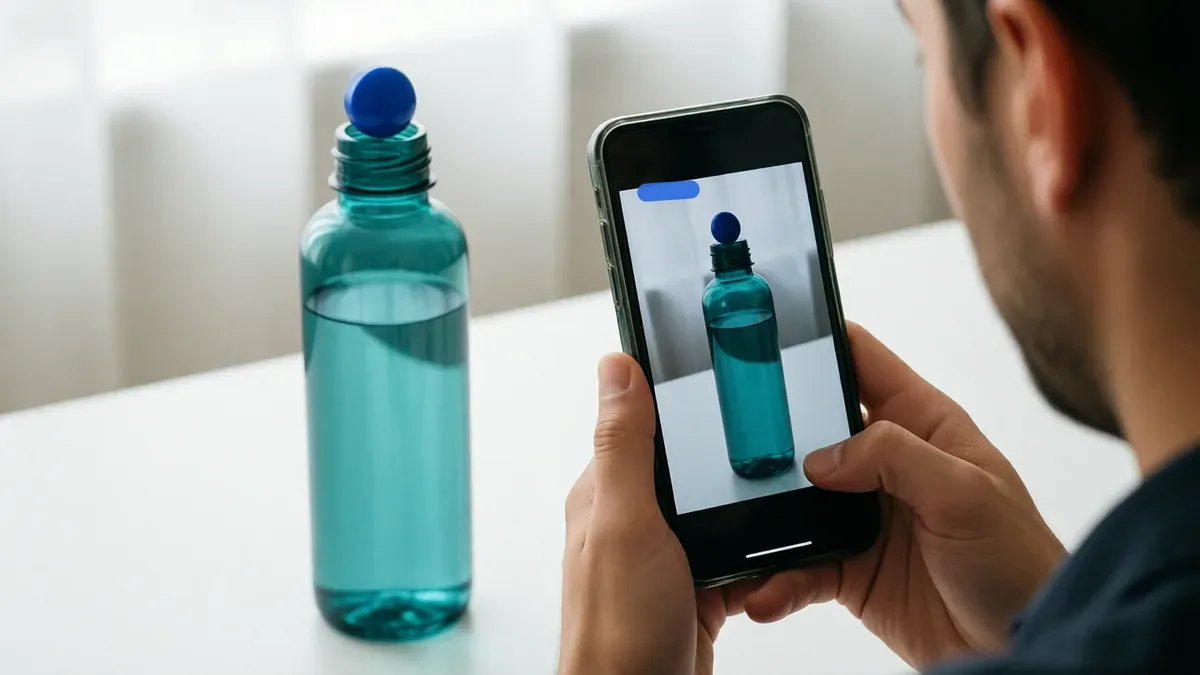
How to make an Amazon affiliate video with Affpilot, step by step
Everything above can be done by hand with a phone and an editing app. The script, the voice, the captions, the photos and the export all take time, and they take it again for every video. We built Affpilot Video to do the repeatable parts and keep the rules above in place. Here is what you do in the app today.
Open Create Video and pick a type
In the sidebar, open Create Video. Choose Product Video to start from Amazon products, or Article to Video to turn one of your finished Amazon articles into a video. A finished Amazon article also has a “Make a video” button.
Add one to five products
Search Amazon or paste a product link. Two to five products make a list video; then choose the order, Countdown or Best first.
Give it a title, or let Affpilot write one
The title is optional, but it is your strongest lever. It tells the script what the video is about, so “Best cordless vacuums for small apartments” gives a sharper hook than a bare product name.
Choose a presenter or voice only
Pick With a presenter or Voice only. With a presenter, keep “Affpilot chooses the presenter” for a new face each video, or tap to pick one, with Women and Men filters and a search box. With Voice only, a voice talks while your product photos fill the video.
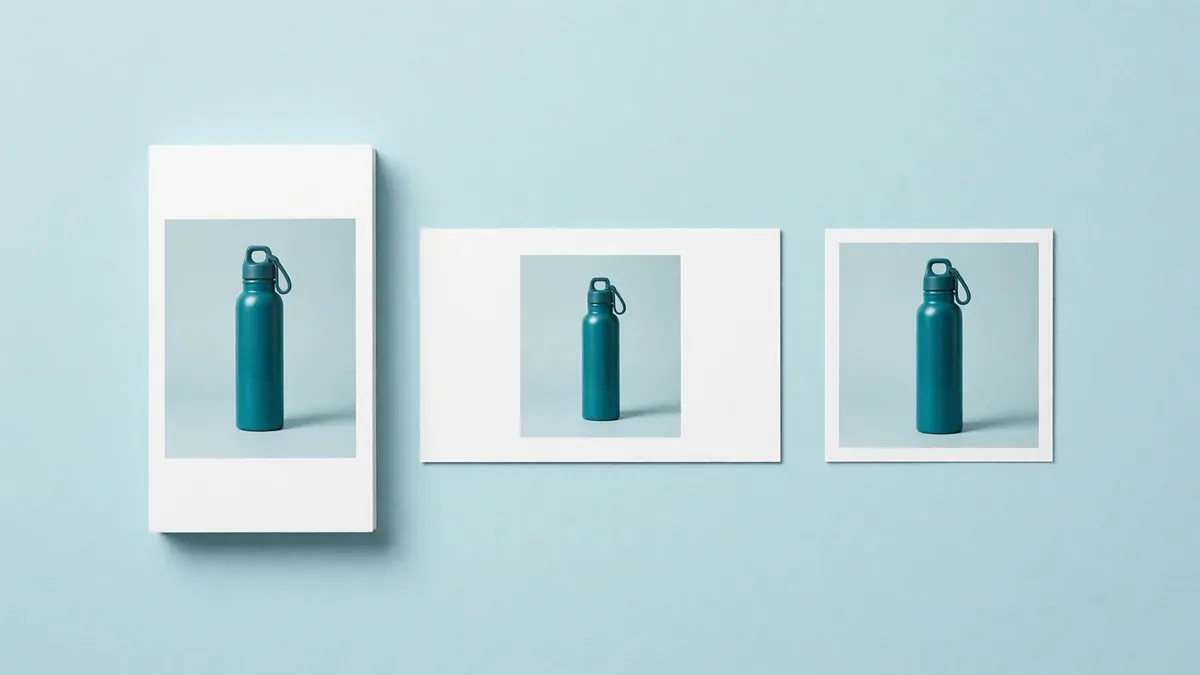
Pick the shape and length
Shape: Tall (9:16, for Shorts, Reels and TikTok), Wide (16:9, for YouTube) or Square (1:1, for Facebook and Instagram feeds). Length: 15 seconds, 30 seconds, 60 seconds or 2 minutes. The page asks for a longer video when you add more products: two products need at least 30 seconds, three to five need at least 60.
Set voice, music and captions (optional)
Under More options, pick a language and a voice (you can play samples), choose soft background music or none, and keep Show words on screen on. Captions are on by default.
Add your Amazon tracking ID
Your tracking ID goes in every link under the video, so Amazon pays you. If the box is empty, Affpilot uses the tag saved in your Amazon settings. With no tag anywhere, the page warns you when you press Create, and asks for a tick before it uses a plain Amazon link.
Create, then download and post
Press Create video. My videos shows the stages (Script, Presenter, Editing); it usually takes a few minutes. When it is done, download the MP4 and the cover picture, and copy the ready title, description, hashtags and chapters for YouTube.
Turn your next product into a video
Add an Amazon product, pick Tall and 30 seconds, and get a finished presenter video with captions, disclosure and your link in the description.
Create your Affpilot accountWhat Affpilot handles for you, and what is still your job
Here is the honest split.
| Part of the video | Affpilot does it | Still your job |
|---|---|---|
| Script | Written from the Amazon listing only. Code removes prices and money words, claims of personal use, numbers the listing does not contain, and pushy “hurry” lines. | Pick products worth recommending, and a title that names the buyer’s problem. |
| Disclosure | Spoken right after the hook (“Quick note: I earn a commission from my links.”), shown on screen for the first 5 seconds (“Ad · I earn a commission from this link”), and Amazon’s Associates sentence at the end. | Keep the description’s first line when you post, and answer the platform’s own questions honestly. |
| Description | Starts with an “Ad” line and says the video uses an AI presenter (or an AI voice). Links carry your tracking ID. | Paste it as it is. On Shorts, add the related video link or use your channel links. |
| Visuals | Product photos from the listing, a presenter or voice only, product labels such as who each pick suits, a title card, an end card and captions. Tall 1080×1920, wide 1920×1080 or square 1080×1080. | Choose the shape that matches where you post. |
| Honest limits | The script never invents a flaw or a claim. In a 2-minute video, when the listing facts run out, spare time goes to general buying advice, such as who a product type suits and who should pick something else. | Add any real limit you know from reviews in your pinned comment or description. |
| Posting | A ready MP4, a cover picture, and a title, description, hashtags and chapters you can copy. | Upload to each platform yourself. |

How video credits work
Video credits are separate from your writing words. The rule is simple: one credit makes one video, whether it has one product or five, at any length up to 2 minutes. Article to Video also costs one credit.
Premium customers get one free video every month, up to 2 minutes long, and it is always used first. “Premium” means you have an active plan, a lifetime deal, or any past purchase. The free video does not carry over to the next month. Anyone can buy credit packs, and bought credits never expire. If a video fails, its credits come straight back to your account.
These are the packs on the Affpilot pricing page today:
| Pack | Card (USD) | Per credit | bKash / Nagad |
|---|---|---|---|
| 10 credits | $15 once | $1.50 | ৳1,830 |
| 30 credits | $39 once | $1.30 | ৳4,758 |
| 100 credits | $99 once | $0.99 | ৳12,078 |
| 300 credits | $249 once | $0.83 | ৳30,378 |
A simple way to plan: one product, two videos. A tall Short for reach and a wide video for clicks: two credits for a pair that works together.
See the video credit packs
Credits never expire, a failed video gives them back, and premium customers get one free video every month.
View video pricingMistakes that cost clicks, and what each one costs
Affiliate videos usually fail for one of these reasons.
- Saying a price. Amazon prices change often, and you cannot edit an uploaded video. A wrong price makes viewers doubt everything else.
- Hiding the disclosure. Only in the description, or only at the end, misses what the FTC asks for. The cost is trust, and possibly your account.
- A slow start. “Hey guys, welcome back” spends the two seconds you have. The feed stops showing the video.
- Too many products for the length. Five products in 15 seconds means no product registers. Affpilot refuses a length too short for the products.
- Posting a wide video as a Short. YouTube only counts square or vertical videos as Shorts. A wide upload misses the Shorts feed.
- ”Link in the description” on a Short. That link cannot be clicked. The cost is every viewer who wanted to buy.
- Claiming you used it. “I have used this for a month”, said by a presenter or by you when it is not true, is a fake endorsement.
- Forgetting your tracking ID. The video works, the clicks come, and Amazon pays nobody. Check the tag before every batch.
Note
Affiliate videos do not need a big following to start. Our guide on becoming an Amazon affiliate without followers covers how to start with no audience.
Who this is for, and who it is not for
Affpilot Video is built for affiliates who recommend Amazon products. It is not a general video studio.
Good for
- Amazon Associates who want short videos to go with their sites or articles.
- Faceless channels that do not want to film themselves.
- Creators whose spoken English is not their strongest skill.
- Anyone testing many products and niches quickly.
- Affpilot users with finished Amazon articles, who can turn one into a video in a few clicks.
Not for
- Brand owners promoting their own product. The built-in disclosure says you earn a commission, which is the wrong relationship for a brand.
- Sellers who need a listing video to upload to their Amazon product page.
- Products that are not on Amazon. Today, videos are made from Amazon products only.
- Hands-on reviews and unboxings. The video uses listing photos, not footage of you using the product.
- People who want to edit the script line by line, or need videos longer than 2 minutes.
If you are not sure whether you are an affiliate or an influencer in Amazon’s eyes, read the difference between an Amazon influencer and an affiliate.
Checklist before you post
Run through this list for every video.
- The first sentence names a problem or a result, not a greeting.
- Each scene carries one benefit, and each benefit comes from the listing.
- At least one honest limit: who should not buy it.
- The disclosure is spoken and shown in the first few seconds.
- Amazon’s sentence is at the end and in the description.
- No price, no discount, no “hurry”.
- The shape matches the platform: tall for Shorts, Reels and TikTok.
- Your tracking ID is in the link, and you clicked it once to check.
- On Shorts, the related video link or your channel links lead to a clickable link.
- If a realistic AI presenter appears, you said so in the description and on the platform’s upload screen.

Already have an Affpilot account?
Open Product Video, add up to five Amazon products and get your first Short in a few minutes.
Sign in and open Product VideoFrequently asked questions
Can I put Amazon affiliate links in YouTube Shorts?
You can type them, but YouTube makes URLs in Shorts descriptions and comments unclickable. Link the Short to a related long video that has clickable links in its description, and add your main link to your channel links. Eligible US creators can also tag Amazon products in Shorts through YouTube Shopping.
Do I have to disclose affiliate links in a video?
Yes. The FTC says the disclosure belongs in the video itself, not only in the description, and suggests saying it and showing it on screen. Amazon also requires the sentence “As an Amazon Associate I earn from qualifying purchases.” Put it near the start, at the end and in the description.
How long should an Amazon affiliate video be?
For Shorts, Reels and TikTok, 15 to 30 seconds works for one product and about 60 seconds for a list of three to five. For a wide YouTube video aimed at people ready to buy, one to two minutes gives room for detail. Use the shortest length that carries your message.
Do I need to show my face in affiliate videos?
No. Many affiliate channels are faceless. You can use product photos with a voice, or an AI presenter. In Affpilot you can pick a presenter, let Affpilot choose one, or choose voice only. Whatever you use, be open about it, and never let a presenter claim to have used the product.
Is it allowed to use an AI presenter?
Yes, as long as you are honest about it. Say in the description that the video uses an AI presenter, and answer YouTube’s question about AI-generated (GenAI) content honestly when you upload. Affpilot adds that line to the description it writes for you. The presenter must never claim personal experience.
Can I mention prices in my product videos?
It is better not to. Amazon prices change often, and an uploaded video cannot be updated, so a spoken price soon becomes wrong. Say “check today’s price at the link” instead. Affpilot’s script writer removes prices and money words from every script for this reason.
How much does an Affpilot video cost?
One video credit makes one video with one to five products, at any length up to 2 minutes. Packs start at 10 credits for $15, and bought credits never expire. Premium customers get one free video every month. If a video fails, its credits are returned automatically.
AI videoAffiliate videoAffpilot VideoAmazon affiliateFTC disclosureYouTube Shorts
Our Sample Article

Benefits of Meditation: Unlocking Peace and Productivity
Shahidujzaman Shahid · May 29, 2024
How to Choose a Probiotic: Your Essential Guide
Shahidujzaman Shahid · May 29, 2024
Why Does My Cat Keep Throwing Up? Uncover the Causes!
Shahidujzaman Shahid · May 29, 2024